Part 1: Download and Install the Adobe Acrobat customisation Wizard
Up – Adobe Acrobat Reader
Step 1
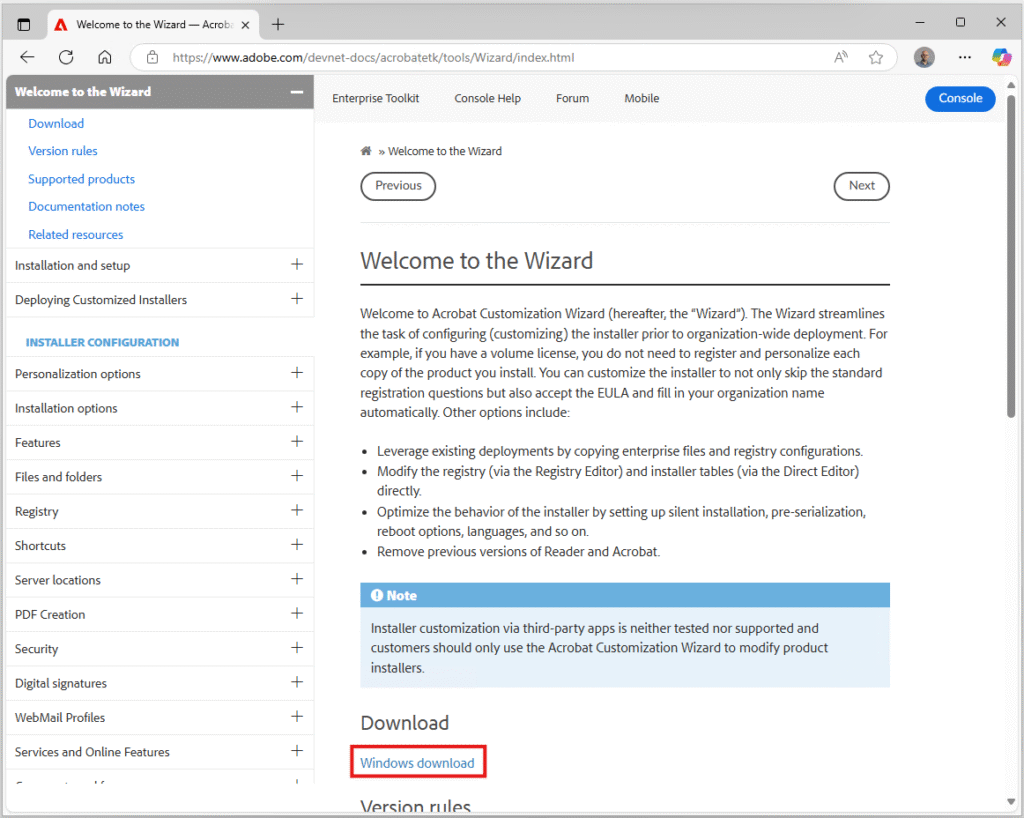
Download the Acrobat customisation wizard from the Adobe Website: https://www.adobe.com/devnet-docs/acrobatetk/tools/Wizard/index.html
Step 2
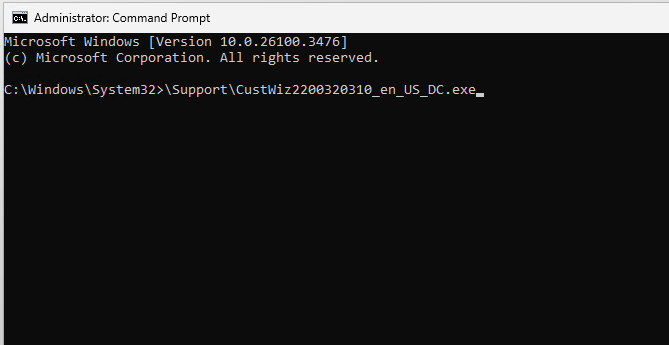
Run the Customisation Wizard installer.
Tip: For maximum compatibility, launch installers from a command prompt already running as with administrative permissions as it avoids UAC prompts further along or the rare occasion where windows misses elevation request.
Step 3
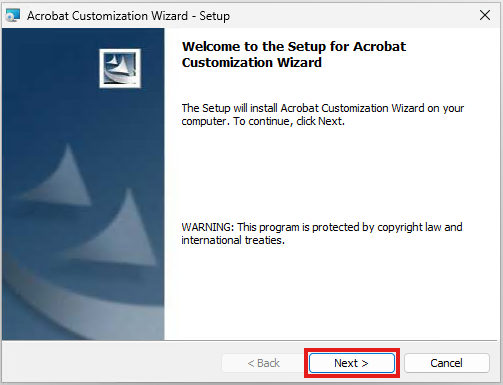
Review the getting started information and click Next to proceed.
Step 4
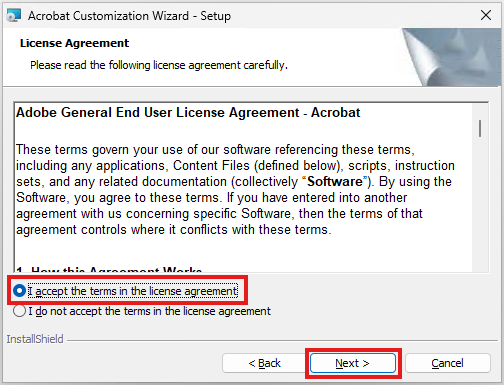
Accept the license agreement and click Next to proceed.
Step 5
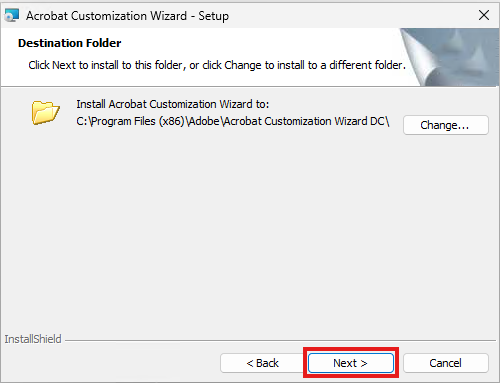
Confirm the install path meets your requirements and click Next to proceed.
Step 6
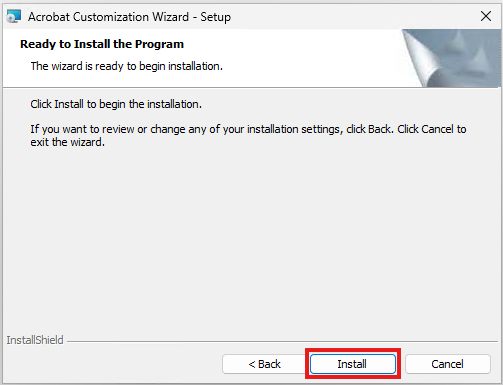
Click Install the start the setup of the program.
Step 7
The installer will take a few seconds to complete (too fast for me to even grab a screen shot of that page!)
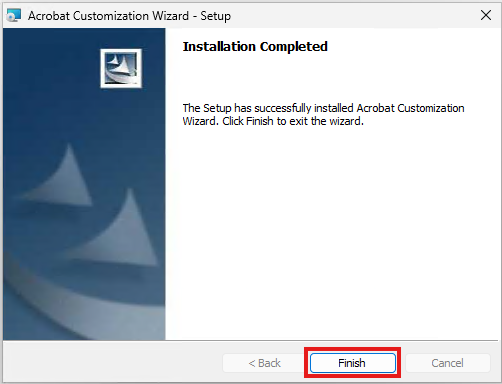
Click Finish to close the wizard.